Server and Storage
Server and Storage
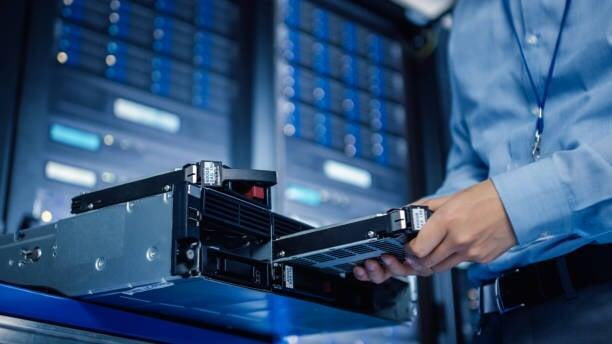
Our flexible modern architectures span a broad technology portfolio, delivering a distinct advantage over siloed vendors who work inside only a single domain.
- Tailored Storage Solutions: Meet your specific storage requirements with our extensive range of options, designed to fit any organizational need.
- Modern Hardware Architectures: Benefit from cutting-edge hardware that enhances performance and efficiency.
- Innovative Software Tools: Leverage advanced software tools to optimize and manage your storage effectively.
End-to-end services
Whether you require performance-optimized flash technologies, ultra-dense storage enclosures, or traditional and software-defined storage (SDS) solutions, we are here to guide you in selecting the best options for your organization.
Network Attached Storage (NAS)
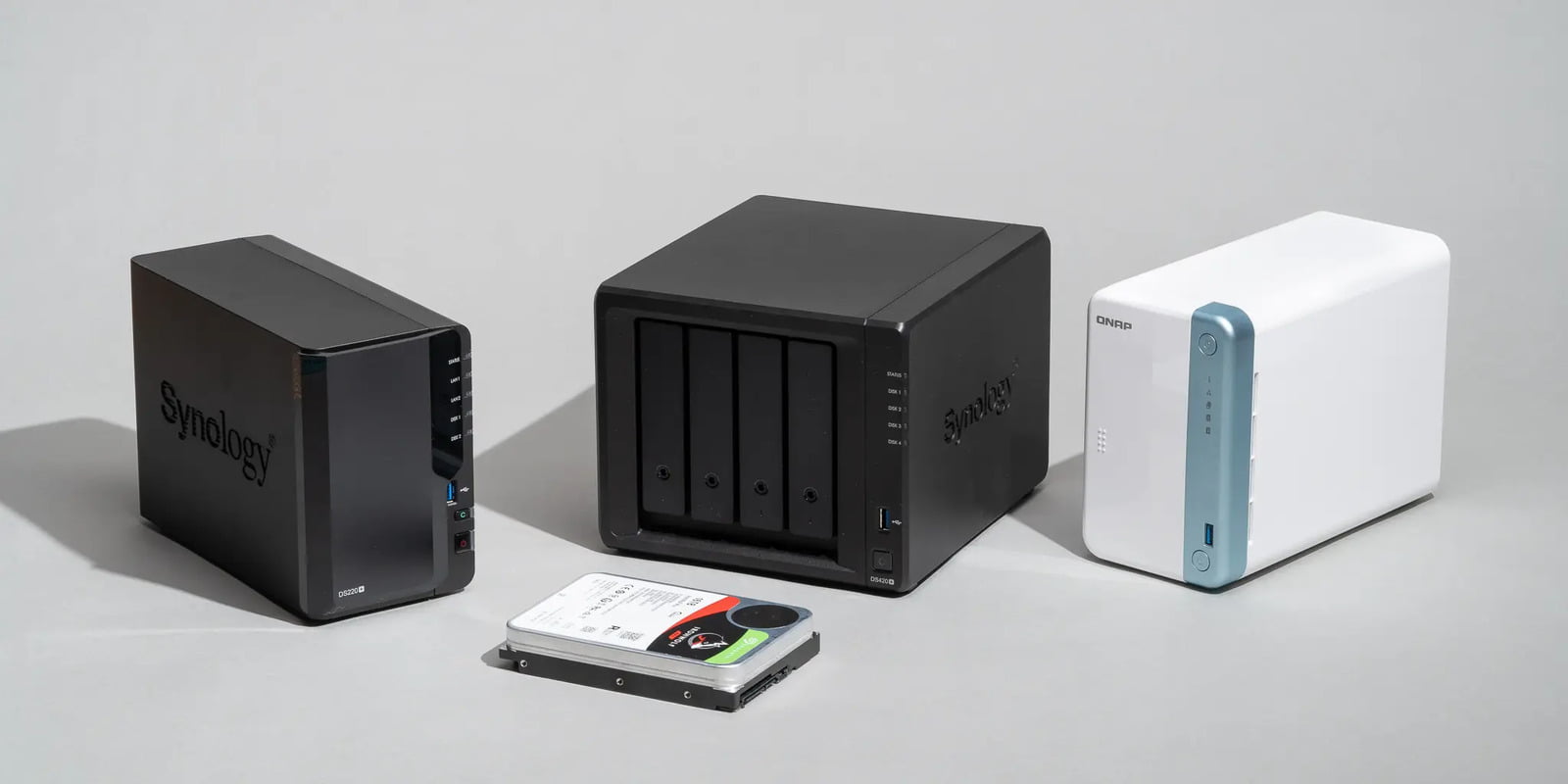
Have you outgrown your desktop data storage and need a way to share files and media across multiple devices? For prosumers, creative professionals, small businesses, and families, a Network Attached Storage (NAS) device offers the easiest and most affordable solution for shared storage.
What is NAS?
Unlike traditional storage options that connect directly to your computer via USB, NAS systems connect to the Ethernet port on your Wi-Fi router or network. This allows multiple computers and mobile devices to wirelessly share and access files, stream video and audio, and back up data from a single, central device.
Key Components of a NAS Solution:
- Hardware: Comprised of one or more hard drives housed in an enclosure, along with a processor and RAM to facilitate efficient data management.
- Software: An Operating System (OS) that manages access and maintains the network connection, ensuring seamless operation.
What are the benefits of Network Attached Storage (NAS)?
What are the benefits of Network Attached Storage (NAS)?
Since NAS systems can store, manage and access content locally or remotely from all your devices – NAS is a secure personal cloud for your data and is the best solution for users who are looking for:
- *Affordable large storage capacity
- *Easy to set up and configure, uses standard Ethernet connection
- *Remote access and streaming of all your content
- *File sharing across multiple devices
- *Backup multiple computers within your network automatically
- *Multi-bay NAS drives provide hard-drive RAID redundancy to protect your data
- *Set up user permissions, folder privileges and restrict access to documents
Storage Area Network (SAN)
Storage Area Network (SAN)
Storage Area Network (SAN)
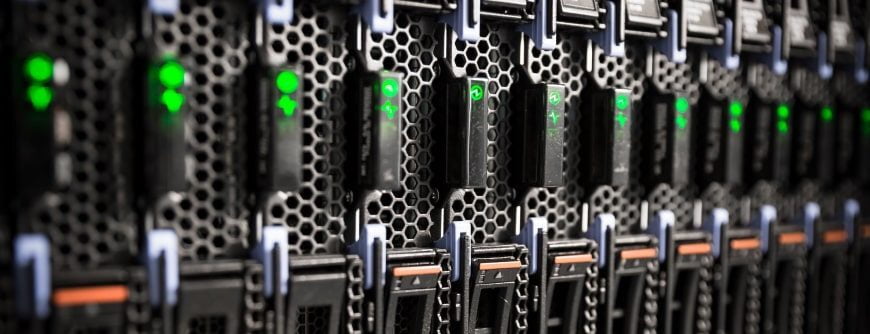
SAN (storage area network) is a high-speed network of storage devices that also connects those storage devices with servers. It provides block-level storage that can be accessed by the applications running on any networked servers. SAN storage devices can include tape libraries and disk-based devices, like RAID hardware.
SAN implementation simplifies information life cycle management and plays a critical role in delivering a consistent and secure data transfer infrastructure.
SAN solutions are available as two types:
SAN solutions are available as two types:
- *Fiber Channel (FC): Storage and servers are connected via a high-speed network of interconnected fiber channel switches. This is used for mission-critical applications where uninterrupted data access is required.
- *Internet Small Computer System Interface (iSCSI) Protocol: This infrastructure gives the flexibility of a low-cost IP network.
- Both provide advantages based on business requirements
What are the benefits of Storage Area Network (SAN)?
What are the benefits of Storage Area Network (SAN)?
- *Storage Virtualization: Server capacity is no longer linked to single storage devices, as large and consolidated storage pools are now available for software applications.
- *High-Speed Disk Technologies: An example is FC, which offers data retrieval speeds that exceed 5 Gbps. Storage-to-storage data transfer is also available via direct data transmission from the source to the target device with minimal or no server intervention.
- *Centralized Backup: Servers view stored data on local disks, rather than multiple disk and server connections. Advanced backup features, such as block level and incremental backups, streamline IT system administrator responsibilities.
- *Dynamic Failover Protection: Provides continuous network operation, even if a server fails or goes offline for maintenance, which enables built-in redundancy and automatic traffic rerouting.